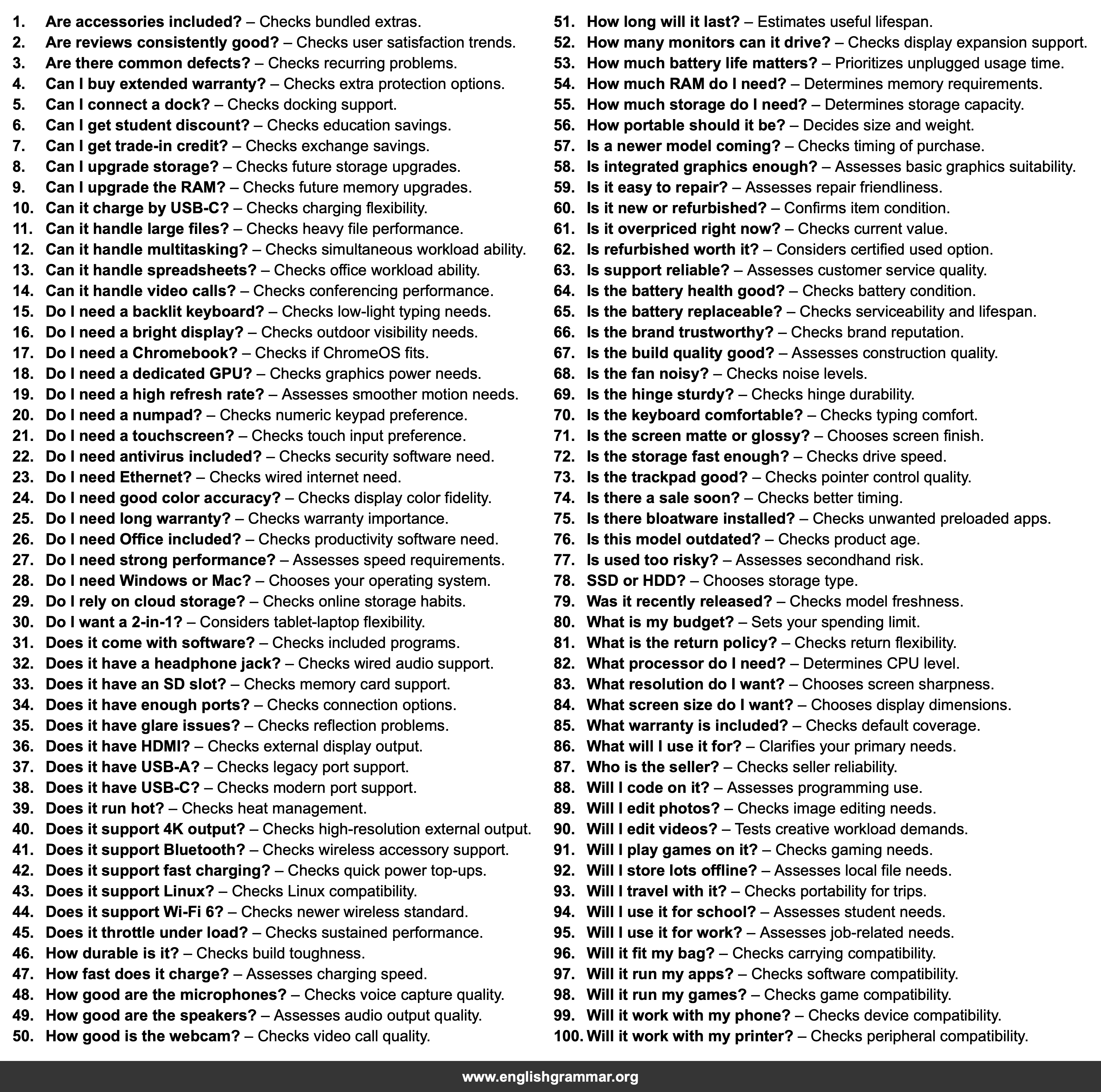
| No. | Item | Definition |
|---|---|---|
| 1. | Are accessories included? | Checks bundled extras. |
| 2. | Are reviews consistently good? | Checks user satisfaction trends. |
| 3. | Are there common defects? | Checks recurring problems. |
| 4. | Can I buy extended warranty? | Checks extra protection options. |
| 5. | Can I connect a dock? | Checks docking support. |
| 6. | Can I get student discount? | Checks education savings. |
| 7. | Can I get trade-in credit? | Checks exchange savings. |
| 8. | Can I upgrade storage? | Checks future storage upgrades. |
| 9. | Can I upgrade the RAM? | Checks future memory upgrades. |
| 10. | Can it charge by USB-C? | Checks charging flexibility. |
| 11. | Can it handle large files? | Checks heavy file performance. |
| 12. | Can it handle multitasking? | Checks simultaneous workload ability. |
| 13. | Can it handle spreadsheets? | Checks office workload ability. |
| 14. | Can it handle video calls? | Checks conferencing performance. |
| 15. | Do I need a backlit keyboard? | Checks low-light typing needs. |
| 16. | Do I need a bright display? | Checks outdoor visibility needs. |
| 17. | Do I need a Chromebook? | Checks if ChromeOS fits. |
| 18. | Do I need a dedicated GPU? | Checks graphics power needs. |
| 19. | Do I need a high refresh rate? | Assesses smoother motion needs. |
| 20. | Do I need a numpad? | Checks numeric keypad preference. |
| 21. | Do I need a touchscreen? | Checks touch input preference. |
| 22. | Do I need antivirus included? | Checks security software need. |
| 23. | Do I need Ethernet? | Checks wired internet need. |
| 24. | Do I need good color accuracy? | Checks display color fidelity. |
| 25. | Do I need long warranty? | Checks warranty importance. |
| 26. | Do I need Office included? | Checks productivity software need. |
| 27. | Do I need strong performance? | Assesses speed requirements. |
| 28. | Do I need Windows or Mac? | Chooses your operating system. |
| 29. | Do I rely on cloud storage? | Checks online storage habits. |
| 30. | Do I want a 2-in-1? | Considers tablet-laptop flexibility. |
| 31. | Does it come with software? | Checks included programs. |
| 32. | Does it have a headphone jack? | Checks wired audio support. |
| 33. | Does it have an SD slot? | Checks memory card support. |
| 34. | Does it have enough ports? | Checks connection options. |
| 35. | Does it have glare issues? | Checks reflection problems. |
| 36. | Does it have HDMI? | Checks external display output. |
| 37. | Does it have USB-A? | Checks legacy port support. |
| 38. | Does it have USB-C? | Checks modern port support. |
| 39. | Does it run hot? | Checks heat management. |
| 40. | Does it support 4K output? | Checks high-resolution external output. |
| 41. | Does it support Bluetooth? | Checks wireless accessory support. |
| 42. | Does it support fast charging? | Checks quick power top-ups. |
| 43. | Does it support Linux? | Checks Linux compatibility. |
| 44. | Does it support Wi-Fi 6? | Checks newer wireless standard. |
| 45. | Does it throttle under load? | Checks sustained performance. |
| 46. | How durable is it? | Checks build toughness. |
| 47. | How fast does it charge? | Assesses charging speed. |
| 48. | How good are the microphones? | Checks voice capture quality. |
| 49. | How good are the speakers? | Assesses audio output quality. |
| 50. | How good is the webcam? | Checks video call quality. |
| 51. | How long will it last? | Estimates useful lifespan. |
| 52. | How many monitors can it drive? | Checks display expansion support. |
| 53. | How much battery life matters? | Prioritizes unplugged usage time. |
| 54. | How much RAM do I need? | Determines memory requirements. |
| 55. | How much storage do I need? | Determines storage capacity. |
| 56. | How portable should it be? | Decides size and weight. |
| 57. | Is a newer model coming? | Checks timing of purchase. |
| 58. | Is integrated graphics enough? | Assesses basic graphics suitability. |
| 59. | Is it easy to repair? | Assesses repair friendliness. |
| 60. | Is it new or refurbished? | Confirms item condition. |
| 61. | Is it overpriced right now? | Checks current value. |
| 62. | Is refurbished worth it? | Considers certified used option. |
| 63. | Is support reliable? | Assesses customer service quality. |
| 64. | Is the battery health good? | Checks battery condition. |
| 65. | Is the battery replaceable? | Checks serviceability and lifespan. |
| 66. | Is the brand trustworthy? | Checks brand reputation. |
| 67. | Is the build quality good? | Assesses construction quality. |
| 68. | Is the fan noisy? | Checks noise levels. |
| 69. | Is the hinge sturdy? | Checks hinge durability. |
| 70. | Is the keyboard comfortable? | Checks typing comfort. |
| 71. | Is the screen matte or glossy? | Chooses screen finish. |
| 72. | Is the storage fast enough? | Checks drive speed. |
| 73. | Is the trackpad good? | Checks pointer control quality. |
| 74. | Is there a sale soon? | Checks better timing. |
| 75. | Is there bloatware installed? | Checks unwanted preloaded apps. |
| 76. | Is this model outdated? | Checks product age. |
| 77. | Is used too risky? | Assesses secondhand risk. |
| 78. | SSD or HDD? | Chooses storage type. |
| 79. | Was it recently released? | Checks model freshness. |
| 80. | What is my budget? | Sets your spending limit. |
| 81. | What is the return policy? | Checks return flexibility. |
| 82. | What processor do I need? | Determines CPU level. |
| 83. | What resolution do I want? | Chooses screen sharpness. |
| 84. | What screen size do I want? | Chooses display dimensions. |
| 85. | What warranty is included? | Checks default coverage. |
| 86. | What will I use it for? | Clarifies your primary needs. |
| 87. | Who is the seller? | Checks seller reliability. |
| 88. | Will I code on it? | Assesses programming use. |
| 89. | Will I edit photos? | Checks image editing needs. |
| 90. | Will I edit videos? | Tests creative workload demands. |
| 91. | Will I play games on it? | Checks gaming needs. |
| 92. | Will I store lots offline? | Assesses local file needs. |
| 93. | Will I travel with it? | Checks portability for trips. |
| 94. | Will I use it for school? | Assesses student needs. |
| 95. | Will I use it for work? | Assesses job-related needs. |
| 96. | Will it fit my bag? | Checks carrying compatibility. |
| 97. | Will it run my apps? | Checks software compatibility. |
| 98. | Will it run my games? | Checks game compatibility. |
| 99. | Will it work with my phone? | Checks device compatibility. |
| 100. | Will it work with my printer? | Checks peripheral compatibility. |
