
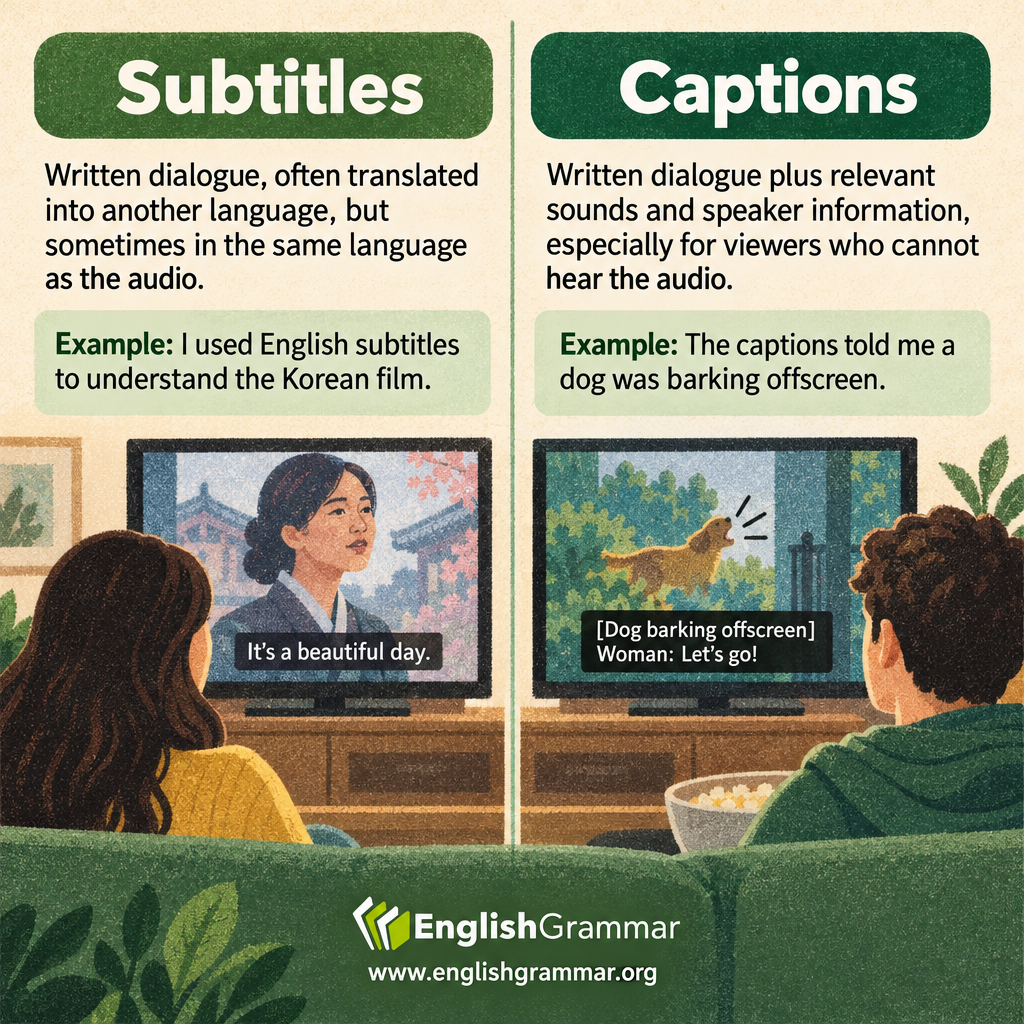
Subtitles and captions both put words on a screen, but they usually provide different information. The most useful distinction is whether the text covers just speech or also important sounds.
Subtitles usually show written dialogue. They often translate speech into another language, but they can also use the same language as the audio. For example: I chose French subtitles because I could not understand the Italian dialogue. Same-language subtitles can also help learners connect spoken words with their spelling.
Captions show dialogue and relevant audio information, such as a ringing phone, laughter, or a speaker’s identity when it is unclear. They support viewers who are deaf or hard of hearing and anyone watching without sound. For example: The captions said [phone ringing] while the room was empty.
- For understanding another language: look for a translated text option.
- For watching without audio: look for text that includes meaningful sounds and identifies speakers when needed.
The names are not completely consistent across countries and services. In British English, subtitles can also refer to accessibility text that includes sound information. Some menus use SDH, meaning subtitles for deaf and hard-of-hearing viewers. CC means closed captions, which viewers can turn on or off.
Check what a particular track includes rather than relying only on its name. A translated dialogue track may help with language without providing all the audio information a viewer needs.