
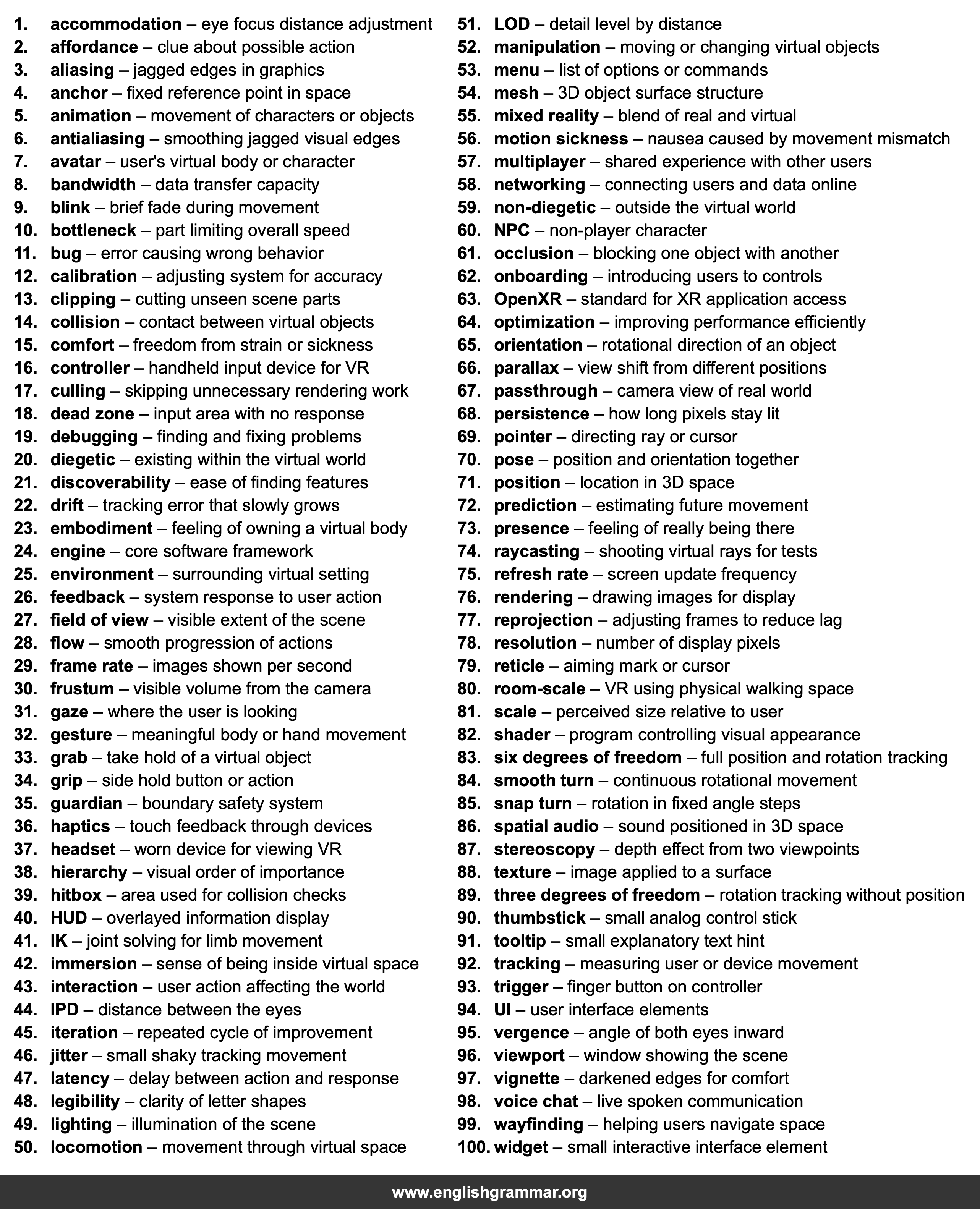
| No. | Item | Definition |
|---|---|---|
| 1. | accommodation | eye focus distance adjustment |
| 2. | affordance | clue about possible action |
| 3. | aliasing | jagged edges in graphics |
| 4. | anchor | fixed reference point in space |
| 5. | animation | movement of characters or objects |
| 6. | antialiasing | smoothing jagged visual edges |
| 7. | avatar | user’s virtual body or character |
| 8. | bandwidth | data transfer capacity |
| 9. | blink | brief fade during movement |
| 10. | bottleneck | part limiting overall speed |
| 11. | bug | error causing wrong behavior |
| 12. | calibration | adjusting system for accuracy |
| 13. | clipping | cutting unseen scene parts |
| 14. | collision | contact between virtual objects |
| 15. | comfort | freedom from strain or sickness |
| 16. | controller | handheld input device for VR |
| 17. | culling | skipping unnecessary rendering work |
| 18. | dead zone | input area with no response |
| 19. | debugging | finding and fixing problems |
| 20. | diegetic | existing within the virtual world |
| 21. | discoverability | ease of finding features |
| 22. | drift | tracking error that slowly grows |
| 23. | embodiment | feeling of owning a virtual body |
| 24. | engine | core software framework |
| 25. | environment | surrounding virtual setting |
| 26. | feedback | system response to user action |
| 27. | field of view | visible extent of the scene |
| 28. | flow | smooth progression of actions |
| 29. | frame rate | images shown per second |
| 30. | frustum | visible volume from the camera |
| 31. | gaze | where the user is looking |
| 32. | gesture | meaningful body or hand movement |
| 33. | grab | take hold of a virtual object |
| 34. | grip | side hold button or action |
| 35. | guardian | boundary safety system |
| 36. | haptics | touch feedback through devices |
| 37. | headset | worn device for viewing VR |
| 38. | hierarchy | visual order of importance |
| 39. | hitbox | area used for collision checks |
| 40. | HUD | overlayed information display |
| 41. | IK | joint solving for limb movement |
| 42. | immersion | sense of being inside virtual space |
| 43. | interaction | user action affecting the world |
| 44. | IPD | distance between the eyes |
| 45. | iteration | repeated cycle of improvement |
| 46. | jitter | small shaky tracking movement |
| 47. | latency | delay between action and response |
| 48. | legibility | clarity of letter shapes |
| 49. | lighting | illumination of the scene |
| 50. | locomotion | movement through virtual space |
| 51. | LOD | detail level by distance |
| 52. | manipulation | moving or changing virtual objects |
| 53. | menu | list of options or commands |
| 54. | mesh | 3D object surface structure |
| 55. | mixed reality | blend of real and virtual |
| 56. | motion sickness | nausea caused by movement mismatch |
| 57. | multiplayer | shared experience with other users |
| 58. | networking | connecting users and data online |
| 59. | non-diegetic | outside the virtual world |
| 60. | NPC | non-player character |
| 61. | occlusion | blocking one object with another |
| 62. | onboarding | introducing users to controls |
| 63. | OpenXR | standard for XR application access |
| 64. | optimization | improving performance efficiently |
| 65. | orientation | rotational direction of an object |
| 66. | parallax | view shift from different positions |
| 67. | passthrough | camera view of real world |
| 68. | persistence | how long pixels stay lit |
| 69. | pointer | directing ray or cursor |
| 70. | pose | position and orientation together |
| 71. | position | location in 3D space |
| 72. | prediction | estimating future movement |
| 73. | presence | feeling of really being there |
| 74. | raycasting | shooting virtual rays for tests |
| 75. | refresh rate | screen update frequency |
| 76. | rendering | drawing images for display |
| 77. | reprojection | adjusting frames to reduce lag |
| 78. | resolution | number of display pixels |
| 79. | reticle | aiming mark or cursor |
| 80. | room-scale | VR using physical walking space |
| 81. | scale | perceived size relative to user |
| 82. | shader | program controlling visual appearance |
| 83. | six degrees of freedom | full position and rotation tracking |
| 84. | smooth turn | continuous rotational movement |
| 85. | snap turn | rotation in fixed angle steps |
| 86. | spatial audio | sound positioned in 3D space |
| 87. | stereoscopy | depth effect from two viewpoints |
| 88. | texture | image applied to a surface |
| 89. | three degrees of freedom | rotation tracking without position |
| 90. | thumbstick | small analog control stick |
| 91. | tooltip | small explanatory text hint |
| 92. | tracking | measuring user or device movement |
| 93. | trigger | finger button on controller |
| 94. | UI | user interface elements |
| 95. | vergence | angle of both eyes inward |
| 96. | viewport | window showing the scene |
| 97. | vignette | darkened edges for comfort |
| 98. | voice chat | live spoken communication |
| 99. | wayfinding | helping users navigate space |
| 100. | widget | small interactive interface element |