
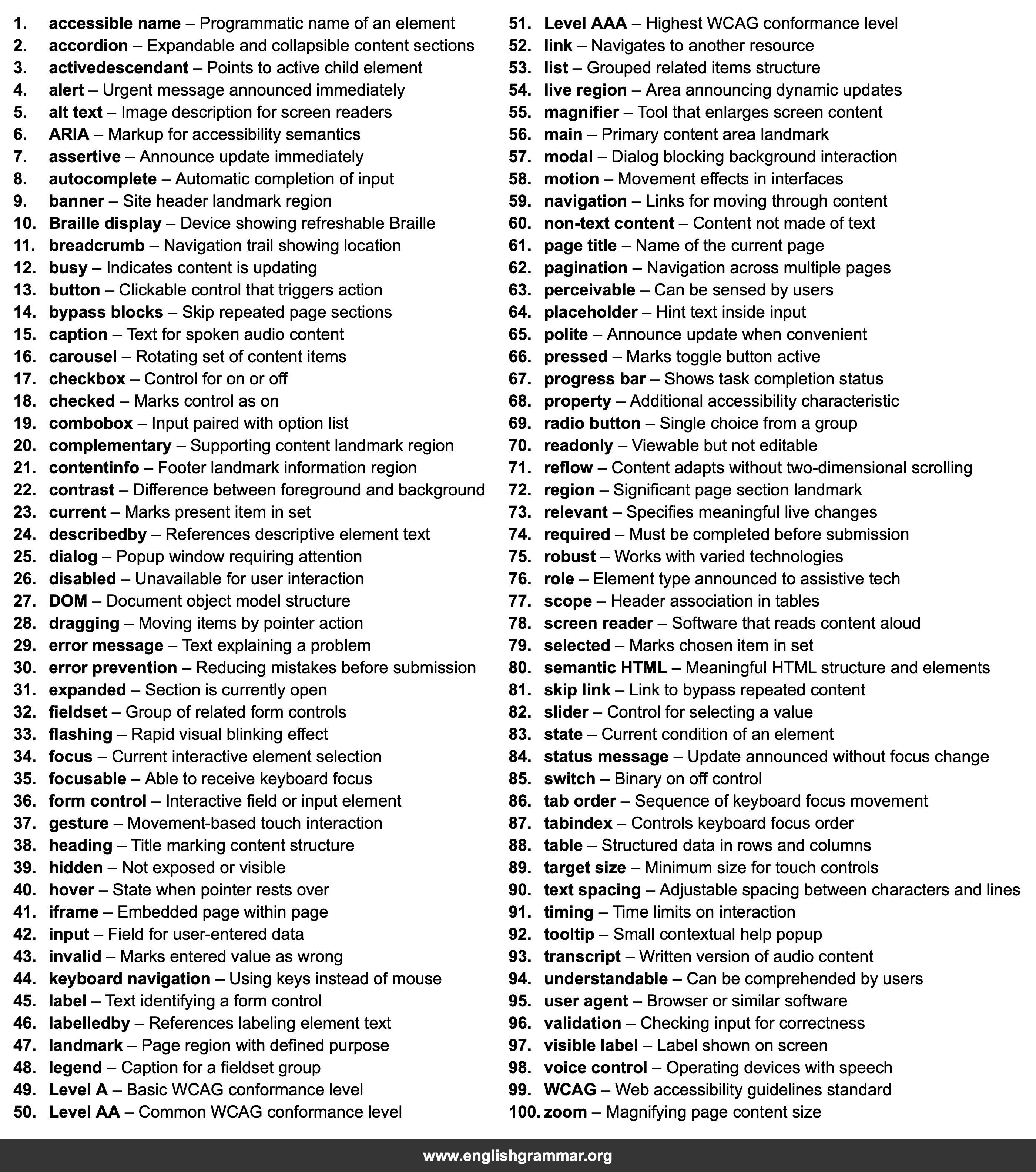
| No. | Item | Definition |
|---|---|---|
| 1. | accessible name | Programmatic name of an element |
| 2. | accordion | Expandable and collapsible content sections |
| 3. | activedescendant | Points to active child element |
| 4. | alert | Urgent message announced immediately |
| 5. | alt text | Image description for screen readers |
| 6. | ARIA | Markup for accessibility semantics |
| 7. | assertive | Announce update immediately |
| 8. | autocomplete | Automatic completion of input |
| 9. | banner | Site header landmark region |
| 10. | Braille display | Device showing refreshable Braille |
| 11. | breadcrumb | Navigation trail showing location |
| 12. | busy | Indicates content is updating |
| 13. | button | Clickable control that triggers action |
| 14. | bypass blocks | Skip repeated page sections |
| 15. | caption | Text for spoken audio content |
| 16. | carousel | Rotating set of content items |
| 17. | checkbox | Control for on or off |
| 18. | checked | Marks control as on |
| 19. | combobox | Input paired with option list |
| 20. | complementary | Supporting content landmark region |
| 21. | contentinfo | Footer landmark information region |
| 22. | contrast | Difference between foreground and background |
| 23. | current | Marks present item in set |
| 24. | describedby | References descriptive element text |
| 25. | dialog | Popup window requiring attention |
| 26. | disabled | Unavailable for user interaction |
| 27. | DOM | Document object model structure |
| 28. | dragging | Moving items by pointer action |
| 29. | error message | Text explaining a problem |
| 30. | error prevention | Reducing mistakes before submission |
| 31. | expanded | Section is currently open |
| 32. | fieldset | Group of related form controls |
| 33. | flashing | Rapid visual blinking effect |
| 34. | focus | Current interactive element selection |
| 35. | focusable | Able to receive keyboard focus |
| 36. | form control | Interactive field or input element |
| 37. | gesture | Movement-based touch interaction |
| 38. | heading | Title marking content structure |
| 39. | hidden | Not exposed or visible |
| 40. | hover | State when pointer rests over |
| 41. | iframe | Embedded page within page |
| 42. | input | Field for user-entered data |
| 43. | invalid | Marks entered value as wrong |
| 44. | keyboard navigation | Using keys instead of mouse |
| 45. | label | Text identifying a form control |
| 46. | labelledby | References labeling element text |
| 47. | landmark | Page region with defined purpose |
| 48. | legend | Caption for a fieldset group |
| 49. | Level A | Basic WCAG conformance level |
| 50. | Level AA | Common WCAG conformance level |
| 51. | Level AAA | Highest WCAG conformance level |
| 52. | link | Navigates to another resource |
| 53. | list | Grouped related items structure |
| 54. | live region | Area announcing dynamic updates |
| 55. | magnifier | Tool that enlarges screen content |
| 56. | main | Primary content area landmark |
| 57. | modal | Dialog blocking background interaction |
| 58. | motion | Movement effects in interfaces |
| 59. | navigation | Links for moving through content |
| 60. | non-text content | Content not made of text |
| 61. | page title | Name of the current page |
| 62. | pagination | Navigation across multiple pages |
| 63. | perceivable | Can be sensed by users |
| 64. | placeholder | Hint text inside input |
| 65. | polite | Announce update when convenient |
| 66. | pressed | Marks toggle button active |
| 67. | progress bar | Shows task completion status |
| 68. | property | Additional accessibility characteristic |
| 69. | radio button | Single choice from a group |
| 70. | readonly | Viewable but not editable |
| 71. | reflow | Content adapts without two-dimensional scrolling |
| 72. | region | Significant page section landmark |
| 73. | relevant | Specifies meaningful live changes |
| 74. | required | Must be completed before submission |
| 75. | robust | Works with varied technologies |
| 76. | role | Element type announced to assistive tech |
| 77. | scope | Header association in tables |
| 78. | screen reader | Software that reads content aloud |
| 79. | selected | Marks chosen item in set |
| 80. | semantic HTML | Meaningful HTML structure and elements |
| 81. | skip link | Link to bypass repeated content |
| 82. | slider | Control for selecting a value |
| 83. | state | Current condition of an element |
| 84. | status message | Update announced without focus change |
| 85. | switch | Binary on off control |
| 86. | tab order | Sequence of keyboard focus movement |
| 87. | tabindex | Controls keyboard focus order |
| 88. | table | Structured data in rows and columns |
| 89. | target size | Minimum size for touch controls |
| 90. | text spacing | Adjustable spacing between characters and lines |
| 91. | timing | Time limits on interaction |
| 92. | tooltip | Small contextual help popup |
| 93. | transcript | Written version of audio content |
| 94. | understandable | Can be comprehended by users |
| 95. | user agent | Browser or similar software |
| 96. | validation | Checking input for correctness |
| 97. | visible label | Label shown on screen |
| 98. | voice control | Operating devices with speech |
| 99. | WCAG | Web accessibility guidelines standard |
| 100. | zoom | Magnifying page content size |