
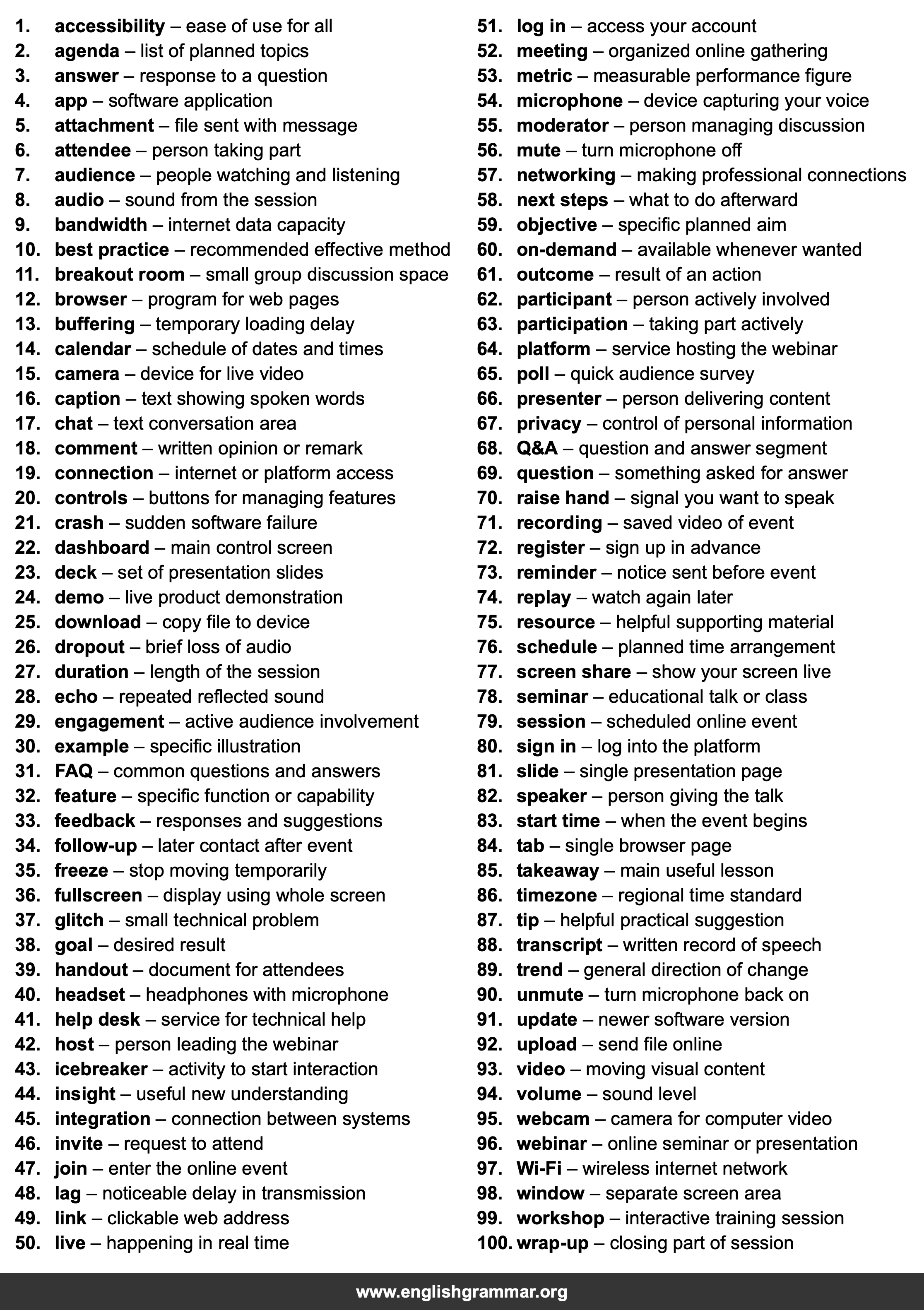
| No. | Item | Definition |
|---|---|---|
| 1. | accessibility | ease of use for all |
| 2. | agenda | list of planned topics |
| 3. | answer | response to a question |
| 4. | app | software application |
| 5. | attachment | file sent with message |
| 6. | attendee | person taking part |
| 7. | audience | people watching and listening |
| 8. | audio | sound from the session |
| 9. | bandwidth | internet data capacity |
| 10. | best practice | recommended effective method |
| 11. | breakout room | small group discussion space |
| 12. | browser | program for web pages |
| 13. | buffering | temporary loading delay |
| 14. | calendar | schedule of dates and times |
| 15. | camera | device for live video |
| 16. | caption | text showing spoken words |
| 17. | chat | text conversation area |
| 18. | comment | written opinion or remark |
| 19. | connection | internet or platform access |
| 20. | controls | buttons for managing features |
| 21. | crash | sudden software failure |
| 22. | dashboard | main control screen |
| 23. | deck | set of presentation slides |
| 24. | demo | live product demonstration |
| 25. | download | copy file to device |
| 26. | dropout | brief loss of audio |
| 27. | duration | length of the session |
| 28. | echo | repeated reflected sound |
| 29. | engagement | active audience involvement |
| 30. | example | specific illustration |
| 31. | FAQ | common questions and answers |
| 32. | feature | specific function or capability |
| 33. | feedback | responses and suggestions |
| 34. | follow-up | later contact after event |
| 35. | freeze | stop moving temporarily |
| 36. | fullscreen | display using whole screen |
| 37. | glitch | small technical problem |
| 38. | goal | desired result |
| 39. | handout | document for attendees |
| 40. | headset | headphones with microphone |
| 41. | help desk | service for technical help |
| 42. | host | person leading the webinar |
| 43. | icebreaker | activity to start interaction |
| 44. | insight | useful new understanding |
| 45. | integration | connection between systems |
| 46. | invite | request to attend |
| 47. | join | enter the online event |
| 48. | lag | noticeable delay in transmission |
| 49. | link | clickable web address |
| 50. | live | happening in real time |
| 51. | log in | access your account |
| 52. | meeting | organized online gathering |
| 53. | metric | measurable performance figure |
| 54. | microphone | device capturing your voice |
| 55. | moderator | person managing discussion |
| 56. | mute | turn microphone off |
| 57. | networking | making professional connections |
| 58. | next steps | what to do afterward |
| 59. | objective | specific planned aim |
| 60. | on-demand | available whenever wanted |
| 61. | outcome | result of an action |
| 62. | participant | person actively involved |
| 63. | participation | taking part actively |
| 64. | platform | service hosting the webinar |
| 65. | poll | quick audience survey |
| 66. | presenter | person delivering content |
| 67. | privacy | control of personal information |
| 68. | Q&A | question and answer segment |
| 69. | question | something asked for answer |
| 70. | raise hand | signal you want to speak |
| 71. | recording | saved video of event |
| 72. | register | sign up in advance |
| 73. | reminder | notice sent before event |
| 74. | replay | watch again later |
| 75. | resource | helpful supporting material |
| 76. | schedule | planned time arrangement |
| 77. | screen share | show your screen live |
| 78. | seminar | educational talk or class |
| 79. | session | scheduled online event |
| 80. | sign in | log into the platform |
| 81. | slide | single presentation page |
| 82. | speaker | person giving the talk |
| 83. | start time | when the event begins |
| 84. | tab | single browser page |
| 85. | takeaway | main useful lesson |
| 86. | timezone | regional time standard |
| 87. | tip | helpful practical suggestion |
| 88. | transcript | written record of speech |
| 89. | trend | general direction of change |
| 90. | unmute | turn microphone back on |
| 91. | update | newer software version |
| 92. | upload | send file online |
| 93. | video | moving visual content |
| 94. | volume | sound level |
| 95. | webcam | camera for computer video |
| 96. | webinar | online seminar or presentation |
| 97. | Wi-Fi | wireless internet network |
| 98. | window | separate screen area |
| 99. | workshop | interactive training session |
| 100. | wrap-up | closing part of session |