
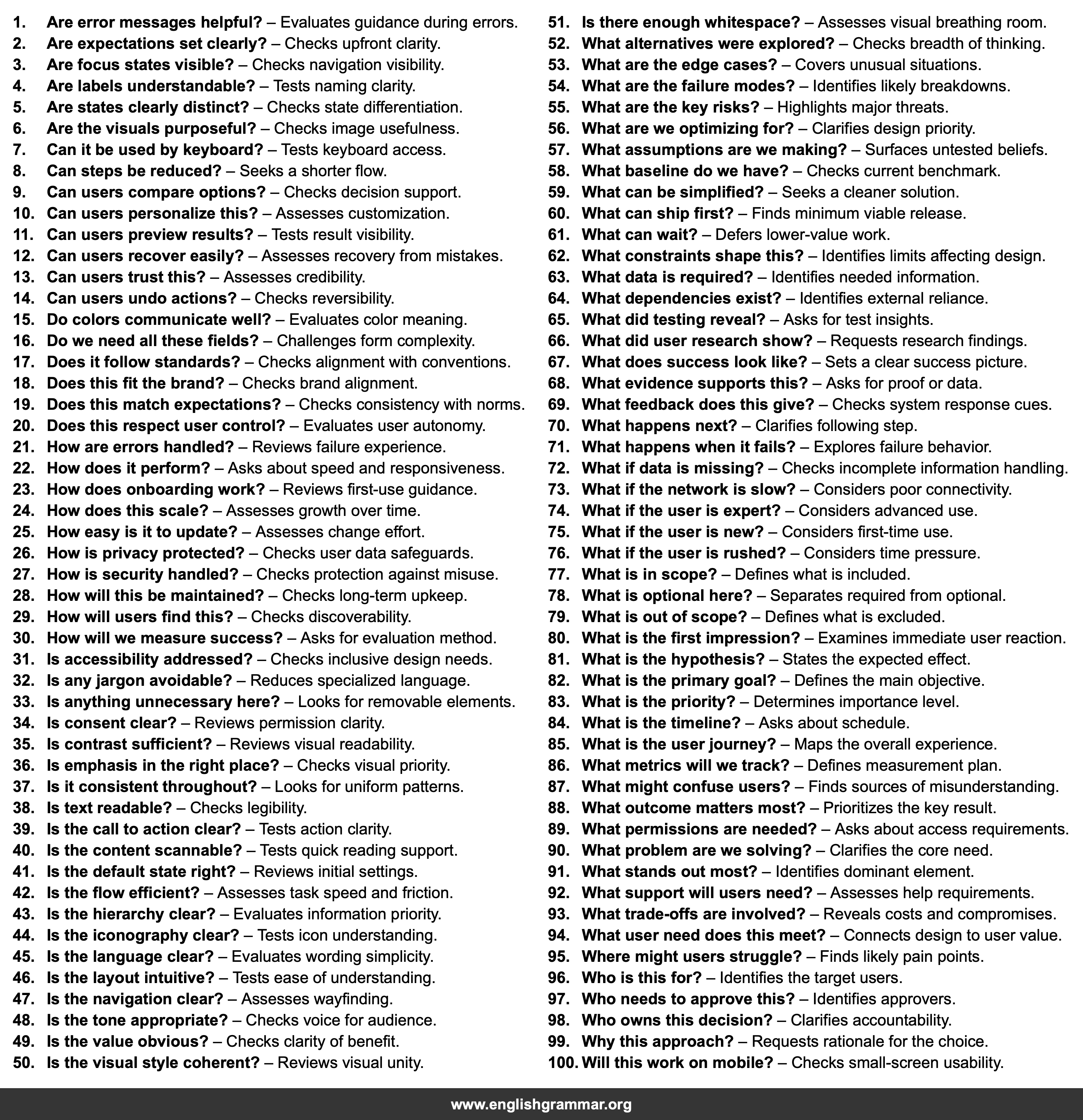
| No. | Item | Definition |
|---|---|---|
| 1. | Are error messages helpful? | Evaluates guidance during errors. |
| 2. | Are expectations set clearly? | Checks upfront clarity. |
| 3. | Are focus states visible? | Checks navigation visibility. |
| 4. | Are labels understandable? | Tests naming clarity. |
| 5. | Are states clearly distinct? | Checks state differentiation. |
| 6. | Are the visuals purposeful? | Checks image usefulness. |
| 7. | Can it be used by keyboard? | Tests keyboard access. |
| 8. | Can steps be reduced? | Seeks a shorter flow. |
| 9. | Can users compare options? | Checks decision support. |
| 10. | Can users personalize this? | Assesses customization. |
| 11. | Can users preview results? | Tests result visibility. |
| 12. | Can users recover easily? | Assesses recovery from mistakes. |
| 13. | Can users trust this? | Assesses credibility. |
| 14. | Can users undo actions? | Checks reversibility. |
| 15. | Do colors communicate well? | Evaluates color meaning. |
| 16. | Do we need all these fields? | Challenges form complexity. |
| 17. | Does it follow standards? | Checks alignment with conventions. |
| 18. | Does this fit the brand? | Checks brand alignment. |
| 19. | Does this match expectations? | Checks consistency with norms. |
| 20. | Does this respect user control? | Evaluates user autonomy. |
| 21. | How are errors handled? | Reviews failure experience. |
| 22. | How does it perform? | Asks about speed and responsiveness. |
| 23. | How does onboarding work? | Reviews first-use guidance. |
| 24. | How does this scale? | Assesses growth over time. |
| 25. | How easy is it to update? | Assesses change effort. |
| 26. | How is privacy protected? | Checks user data safeguards. |
| 27. | How is security handled? | Checks protection against misuse. |
| 28. | How will this be maintained? | Checks long-term upkeep. |
| 29. | How will users find this? | Checks discoverability. |
| 30. | How will we measure success? | Asks for evaluation method. |
| 31. | Is accessibility addressed? | Checks inclusive design needs. |
| 32. | Is any jargon avoidable? | Reduces specialized language. |
| 33. | Is anything unnecessary here? | Looks for removable elements. |
| 34. | Is consent clear? | Reviews permission clarity. |
| 35. | Is contrast sufficient? | Reviews visual readability. |
| 36. | Is emphasis in the right place? | Checks visual priority. |
| 37. | Is it consistent throughout? | Looks for uniform patterns. |
| 38. | Is text readable? | Checks legibility. |
| 39. | Is the call to action clear? | Tests action clarity. |
| 40. | Is the content scannable? | Tests quick reading support. |
| 41. | Is the default state right? | Reviews initial settings. |
| 42. | Is the flow efficient? | Assesses task speed and friction. |
| 43. | Is the hierarchy clear? | Evaluates information priority. |
| 44. | Is the iconography clear? | Tests icon understanding. |
| 45. | Is the language clear? | Evaluates wording simplicity. |
| 46. | Is the layout intuitive? | Tests ease of understanding. |
| 47. | Is the navigation clear? | Assesses wayfinding. |
| 48. | Is the tone appropriate? | Checks voice for audience. |
| 49. | Is the value obvious? | Checks clarity of benefit. |
| 50. | Is the visual style coherent? | Reviews visual unity. |
| 51. | Is there enough whitespace? | Assesses visual breathing room. |
| 52. | What alternatives were explored? | Checks breadth of thinking. |
| 53. | What are the edge cases? | Covers unusual situations. |
| 54. | What are the failure modes? | Identifies likely breakdowns. |
| 55. | What are the key risks? | Highlights major threats. |
| 56. | What are we optimizing for? | Clarifies design priority. |
| 57. | What assumptions are we making? | Surfaces untested beliefs. |
| 58. | What baseline do we have? | Checks current benchmark. |
| 59. | What can be simplified? | Seeks a cleaner solution. |
| 60. | What can ship first? | Finds minimum viable release. |
| 61. | What can wait? | Defers lower-value work. |
| 62. | What constraints shape this? | Identifies limits affecting design. |
| 63. | What data is required? | Identifies needed information. |
| 64. | What dependencies exist? | Identifies external reliance. |
| 65. | What did testing reveal? | Asks for test insights. |
| 66. | What did user research show? | Requests research findings. |
| 67. | What does success look like? | Sets a clear success picture. |
| 68. | What evidence supports this? | Asks for proof or data. |
| 69. | What feedback does this give? | Checks system response cues. |
| 70. | What happens next? | Clarifies following step. |
| 71. | What happens when it fails? | Explores failure behavior. |
| 72. | What if data is missing? | Checks incomplete information handling. |
| 73. | What if the network is slow? | Considers poor connectivity. |
| 74. | What if the user is expert? | Considers advanced use. |
| 75. | What if the user is new? | Considers first-time use. |
| 76. | What if the user is rushed? | Considers time pressure. |
| 77. | What is in scope? | Defines what is included. |
| 78. | What is optional here? | Separates required from optional. |
| 79. | What is out of scope? | Defines what is excluded. |
| 80. | What is the first impression? | Examines immediate user reaction. |
| 81. | What is the hypothesis? | States the expected effect. |
| 82. | What is the primary goal? | Defines the main objective. |
| 83. | What is the priority? | Determines importance level. |
| 84. | What is the timeline? | Asks about schedule. |
| 85. | What is the user journey? | Maps the overall experience. |
| 86. | What metrics will we track? | Defines measurement plan. |
| 87. | What might confuse users? | Finds sources of misunderstanding. |
| 88. | What outcome matters most? | Prioritizes the key result. |
| 89. | What permissions are needed? | Asks about access requirements. |
| 90. | What problem are we solving? | Clarifies the core need. |
| 91. | What stands out most? | Identifies dominant element. |
| 92. | What support will users need? | Assesses help requirements. |
| 93. | What trade-offs are involved? | Reveals costs and compromises. |
| 94. | What user need does this meet? | Connects design to user value. |
| 95. | Where might users struggle? | Finds likely pain points. |
| 96. | Who is this for? | Identifies the target users. |
| 97. | Who needs to approve this? | Identifies approvers. |
| 98. | Who owns this decision? | Clarifies accountability. |
| 99. | Why this approach? | Requests rationale for the choice. |
| 100. | Will this work on mobile? | Checks small-screen usability. |