
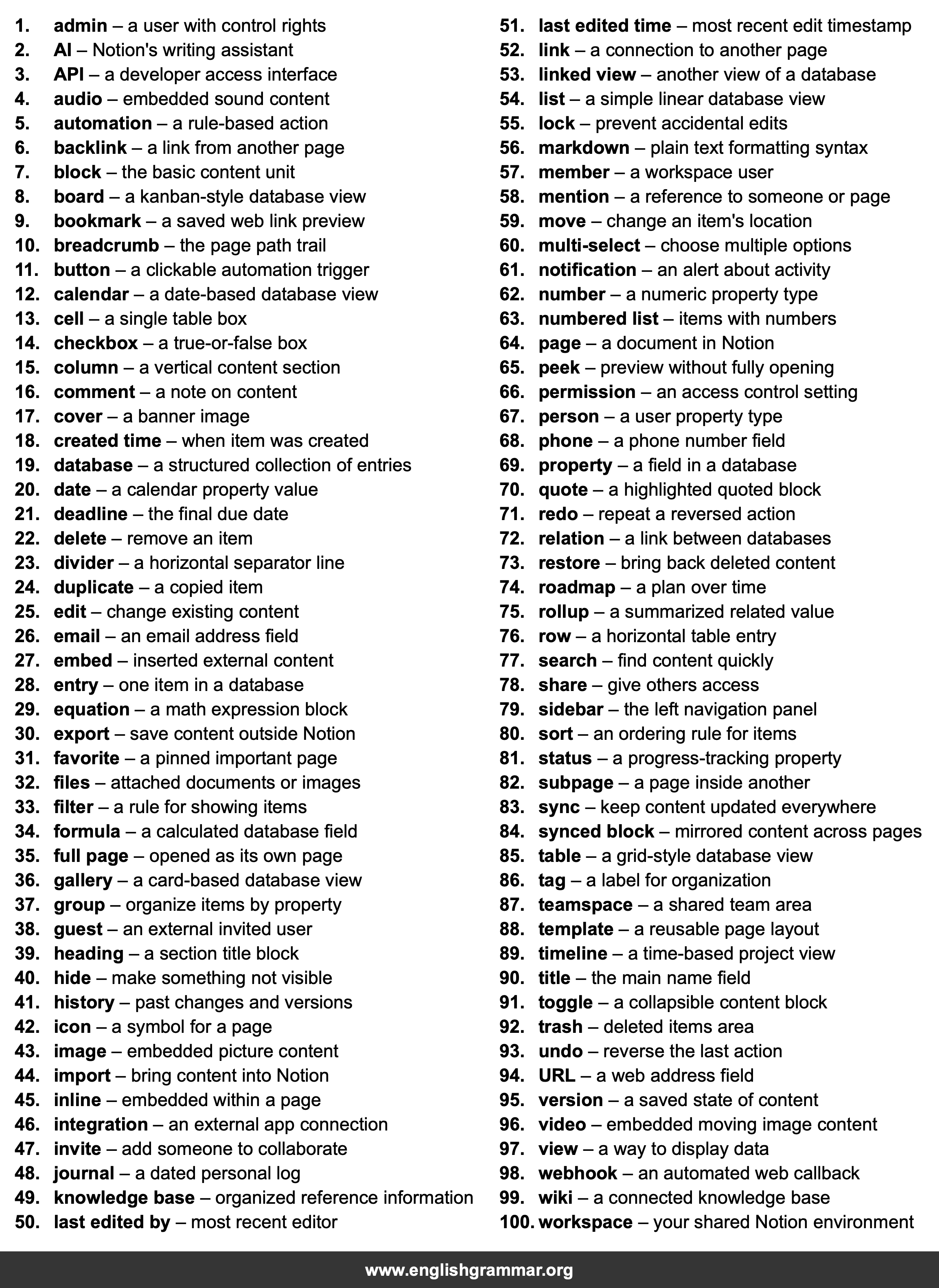
| No. | Item | Definition |
|---|---|---|
| 1. | admin | a user with control rights |
| 2. | AI | Notion’s writing assistant |
| 3. | API | a developer access interface |
| 4. | audio | embedded sound content |
| 5. | automation | a rule-based action |
| 6. | backlink | a link from another page |
| 7. | block | the basic content unit |
| 8. | board | a kanban-style database view |
| 9. | bookmark | a saved web link preview |
| 10. | breadcrumb | the page path trail |
| 11. | button | a clickable automation trigger |
| 12. | calendar | a date-based database view |
| 13. | cell | a single table box |
| 14. | checkbox | a true-or-false box |
| 15. | column | a vertical content section |
| 16. | comment | a note on content |
| 17. | cover | a banner image |
| 18. | created time | when item was created |
| 19. | database | a structured collection of entries |
| 20. | date | a calendar property value |
| 21. | deadline | the final due date |
| 22. | delete | remove an item |
| 23. | divider | a horizontal separator line |
| 24. | duplicate | a copied item |
| 25. | edit | change existing content |
| 26. | an email address field | |
| 27. | embed | inserted external content |
| 28. | entry | one item in a database |
| 29. | equation | a math expression block |
| 30. | export | save content outside Notion |
| 31. | favorite | a pinned important page |
| 32. | files | attached documents or images |
| 33. | filter | a rule for showing items |
| 34. | formula | a calculated database field |
| 35. | full page | opened as its own page |
| 36. | gallery | a card-based database view |
| 37. | group | organize items by property |
| 38. | guest | an external invited user |
| 39. | heading | a section title block |
| 40. | hide | make something not visible |
| 41. | history | past changes and versions |
| 42. | icon | a symbol for a page |
| 43. | image | embedded picture content |
| 44. | import | bring content into Notion |
| 45. | inline | embedded within a page |
| 46. | integration | an external app connection |
| 47. | invite | add someone to collaborate |
| 48. | journal | a dated personal log |
| 49. | knowledge base | organized reference information |
| 50. | last edited by | most recent editor |
| 51. | last edited time | most recent edit timestamp |
| 52. | link | a connection to another page |
| 53. | linked view | another view of a database |
| 54. | list | a simple linear database view |
| 55. | lock | prevent accidental edits |
| 56. | markdown | plain text formatting syntax |
| 57. | member | a workspace user |
| 58. | mention | a reference to someone or page |
| 59. | move | change an item’s location |
| 60. | multi-select | choose multiple options |
| 61. | notification | an alert about activity |
| 62. | number | a numeric property type |
| 63. | numbered list | items with numbers |
| 64. | page | a document in Notion |
| 65. | peek | preview without fully opening |
| 66. | permission | an access control setting |
| 67. | person | a user property type |
| 68. | phone | a phone number field |
| 69. | property | a field in a database |
| 70. | quote | a highlighted quoted block |
| 71. | redo | repeat a reversed action |
| 72. | relation | a link between databases |
| 73. | restore | bring back deleted content |
| 74. | roadmap | a plan over time |
| 75. | rollup | a summarized related value |
| 76. | row | a horizontal table entry |
| 77. | search | find content quickly |
| 78. | share | give others access |
| 79. | sidebar | the left navigation panel |
| 80. | sort | an ordering rule for items |
| 81. | status | a progress-tracking property |
| 82. | subpage | a page inside another |
| 83. | sync | keep content updated everywhere |
| 84. | synced block | mirrored content across pages |
| 85. | table | a grid-style database view |
| 86. | tag | a label for organization |
| 87. | teamspace | a shared team area |
| 88. | template | a reusable page layout |
| 89. | timeline | a time-based project view |
| 90. | title | the main name field |
| 91. | toggle | a collapsible content block |
| 92. | trash | deleted items area |
| 93. | undo | reverse the last action |
| 94. | URL | a web address field |
| 95. | version | a saved state of content |
| 96. | video | embedded moving image content |
| 97. | view | a way to display data |
| 98. | webhook | an automated web callback |
| 99. | wiki | a connected knowledge base |
| 100. | workspace | your shared Notion environment |