
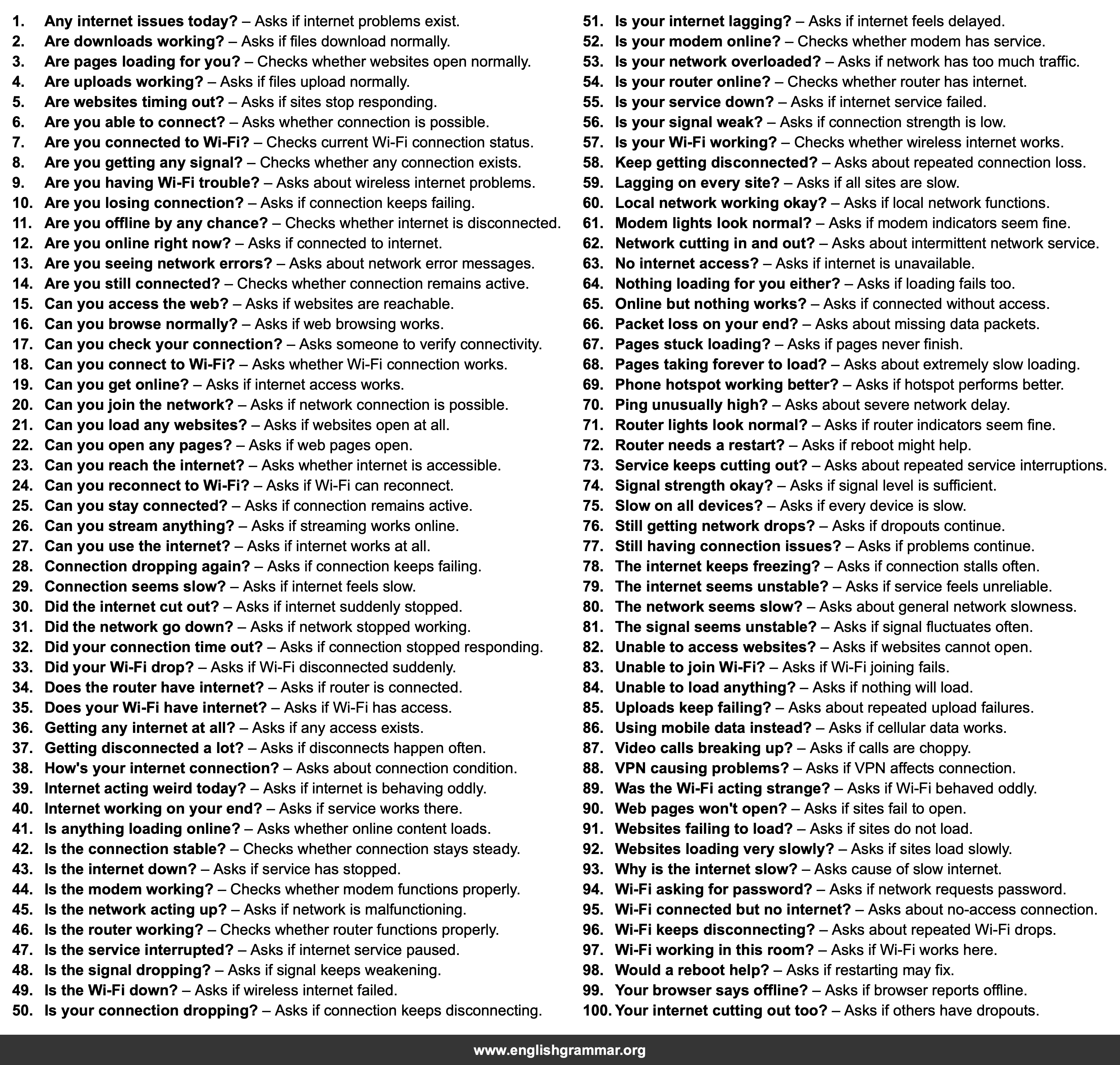
| No. | Item | Definition |
|---|---|---|
| 1. | Any internet issues today? | Asks if internet problems exist. |
| 2. | Are downloads working? | Asks if files download normally. |
| 3. | Are pages loading for you? | Checks whether websites open normally. |
| 4. | Are uploads working? | Asks if files upload normally. |
| 5. | Are websites timing out? | Asks if sites stop responding. |
| 6. | Are you able to connect? | Asks whether connection is possible. |
| 7. | Are you connected to Wi-Fi? | Checks current Wi-Fi connection status. |
| 8. | Are you getting any signal? | Checks whether any connection exists. |
| 9. | Are you having Wi-Fi trouble? | Asks about wireless internet problems. |
| 10. | Are you losing connection? | Asks if connection keeps failing. |
| 11. | Are you offline by any chance? | Checks whether internet is disconnected. |
| 12. | Are you online right now? | Asks if connected to internet. |
| 13. | Are you seeing network errors? | Asks about network error messages. |
| 14. | Are you still connected? | Checks whether connection remains active. |
| 15. | Can you access the web? | Asks if websites are reachable. |
| 16. | Can you browse normally? | Asks if web browsing works. |
| 17. | Can you check your connection? | Asks someone to verify connectivity. |
| 18. | Can you connect to Wi-Fi? | Asks whether Wi-Fi connection works. |
| 19. | Can you get online? | Asks if internet access works. |
| 20. | Can you join the network? | Asks if network connection is possible. |
| 21. | Can you load any websites? | Asks if websites open at all. |
| 22. | Can you open any pages? | Asks if web pages open. |
| 23. | Can you reach the internet? | Asks whether internet is accessible. |
| 24. | Can you reconnect to Wi-Fi? | Asks if Wi-Fi can reconnect. |
| 25. | Can you stay connected? | Asks if connection remains active. |
| 26. | Can you stream anything? | Asks if streaming works online. |
| 27. | Can you use the internet? | Asks if internet works at all. |
| 28. | Connection dropping again? | Asks if connection keeps failing. |
| 29. | Connection seems slow? | Asks if internet feels slow. |
| 30. | Did the internet cut out? | Asks if internet suddenly stopped. |
| 31. | Did the network go down? | Asks if network stopped working. |
| 32. | Did your connection time out? | Asks if connection stopped responding. |
| 33. | Did your Wi-Fi drop? | Asks if Wi-Fi disconnected suddenly. |
| 34. | Does the router have internet? | Asks if router is connected. |
| 35. | Does your Wi-Fi have internet? | Asks if Wi-Fi has access. |
| 36. | Getting any internet at all? | Asks if any access exists. |
| 37. | Getting disconnected a lot? | Asks if disconnects happen often. |
| 38. | How’s your internet connection? | Asks about connection condition. |
| 39. | Internet acting weird today? | Asks if internet is behaving oddly. |
| 40. | Internet working on your end? | Asks if service works there. |
| 41. | Is anything loading online? | Asks whether online content loads. |
| 42. | Is the connection stable? | Checks whether connection stays steady. |
| 43. | Is the internet down? | Asks if service has stopped. |
| 44. | Is the modem working? | Checks whether modem functions properly. |
| 45. | Is the network acting up? | Asks if network is malfunctioning. |
| 46. | Is the router working? | Checks whether router functions properly. |
| 47. | Is the service interrupted? | Asks if internet service paused. |
| 48. | Is the signal dropping? | Asks if signal keeps weakening. |
| 49. | Is the Wi-Fi down? | Asks if wireless internet failed. |
| 50. | Is your connection dropping? | Asks if connection keeps disconnecting. |
| 51. | Is your internet lagging? | Asks if internet feels delayed. |
| 52. | Is your modem online? | Checks whether modem has service. |
| 53. | Is your network overloaded? | Asks if network has too much traffic. |
| 54. | Is your router online? | Checks whether router has internet. |
| 55. | Is your service down? | Asks if internet service failed. |
| 56. | Is your signal weak? | Asks if connection strength is low. |
| 57. | Is your Wi-Fi working? | Checks whether wireless internet works. |
| 58. | Keep getting disconnected? | Asks about repeated connection loss. |
| 59. | Lagging on every site? | Asks if all sites are slow. |
| 60. | Local network working okay? | Asks if local network functions. |
| 61. | Modem lights look normal? | Asks if modem indicators seem fine. |
| 62. | Network cutting in and out? | Asks about intermittent network service. |
| 63. | No internet access? | Asks if internet is unavailable. |
| 64. | Nothing loading for you either? | Asks if loading fails too. |
| 65. | Online but nothing works? | Asks if connected without access. |
| 66. | Packet loss on your end? | Asks about missing data packets. |
| 67. | Pages stuck loading? | Asks if pages never finish. |
| 68. | Pages taking forever to load? | Asks about extremely slow loading. |
| 69. | Phone hotspot working better? | Asks if hotspot performs better. |
| 70. | Ping unusually high? | Asks about severe network delay. |
| 71. | Router lights look normal? | Asks if router indicators seem fine. |
| 72. | Router needs a restart? | Asks if reboot might help. |
| 73. | Service keeps cutting out? | Asks about repeated service interruptions. |
| 74. | Signal strength okay? | Asks if signal level is sufficient. |
| 75. | Slow on all devices? | Asks if every device is slow. |
| 76. | Still getting network drops? | Asks if dropouts continue. |
| 77. | Still having connection issues? | Asks if problems continue. |
| 78. | The internet keeps freezing? | Asks if connection stalls often. |
| 79. | The internet seems unstable? | Asks if service feels unreliable. |
| 80. | The network seems slow? | Asks about general network slowness. |
| 81. | The signal seems unstable? | Asks if signal fluctuates often. |
| 82. | Unable to access websites? | Asks if websites cannot open. |
| 83. | Unable to join Wi-Fi? | Asks if Wi-Fi joining fails. |
| 84. | Unable to load anything? | Asks if nothing will load. |
| 85. | Uploads keep failing? | Asks about repeated upload failures. |
| 86. | Using mobile data instead? | Asks if cellular data works. |
| 87. | Video calls breaking up? | Asks if calls are choppy. |
| 88. | VPN causing problems? | Asks if VPN affects connection. |
| 89. | Was the Wi-Fi acting strange? | Asks if Wi-Fi behaved oddly. |
| 90. | Web pages won’t open? | Asks if sites fail to open. |
| 91. | Websites failing to load? | Asks if sites do not load. |
| 92. | Websites loading very slowly? | Asks if sites load slowly. |
| 93. | Why is the internet slow? | Asks cause of slow internet. |
| 94. | Wi-Fi asking for password? | Asks if network requests password. |
| 95. | Wi-Fi connected but no internet? | Asks about no-access connection. |
| 96. | Wi-Fi keeps disconnecting? | Asks about repeated Wi-Fi drops. |
| 97. | Wi-Fi working in this room? | Asks if Wi-Fi works here. |
| 98. | Would a reboot help? | Asks if restarting may fix. |
| 99. | Your browser says offline? | Asks if browser reports offline. |
| 100. | Your internet cutting out too? | Asks if others have dropouts. |