
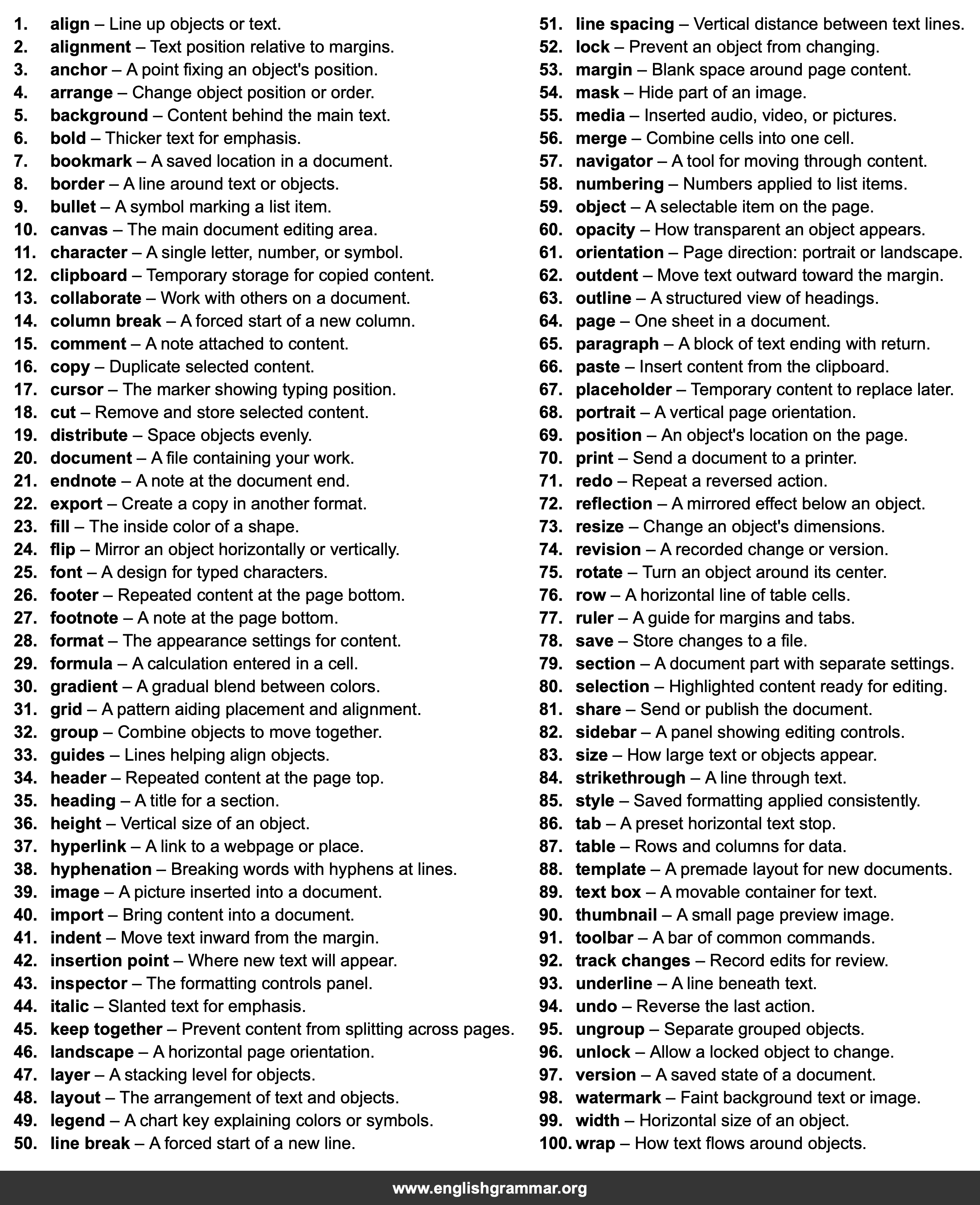
| No. | Item | Definition |
|---|---|---|
| 1. | align | Line up objects or text. |
| 2. | alignment | Text position relative to margins. |
| 3. | anchor | A point fixing an object’s position. |
| 4. | arrange | Change object position or order. |
| 5. | background | Content behind the main text. |
| 6. | bold | Thicker text for emphasis. |
| 7. | bookmark | A saved location in a document. |
| 8. | border | A line around text or objects. |
| 9. | bullet | A symbol marking a list item. |
| 10. | canvas | The main document editing area. |
| 11. | character | A single letter, number, or symbol. |
| 12. | clipboard | Temporary storage for copied content. |
| 13. | collaborate | Work with others on a document. |
| 14. | column break | A forced start of a new column. |
| 15. | comment | A note attached to content. |
| 16. | copy | Duplicate selected content. |
| 17. | cursor | The marker showing typing position. |
| 18. | cut | Remove and store selected content. |
| 19. | distribute | Space objects evenly. |
| 20. | document | A file containing your work. |
| 21. | endnote | A note at the document end. |
| 22. | export | Create a copy in another format. |
| 23. | fill | The inside color of a shape. |
| 24. | flip | Mirror an object horizontally or vertically. |
| 25. | font | A design for typed characters. |
| 26. | footer | Repeated content at the page bottom. |
| 27. | footnote | A note at the page bottom. |
| 28. | format | The appearance settings for content. |
| 29. | formula | A calculation entered in a cell. |
| 30. | gradient | A gradual blend between colors. |
| 31. | grid | A pattern aiding placement and alignment. |
| 32. | group | Combine objects to move together. |
| 33. | guides | Lines helping align objects. |
| 34. | header | Repeated content at the page top. |
| 35. | heading | A title for a section. |
| 36. | height | Vertical size of an object. |
| 37. | hyperlink | A link to a webpage or place. |
| 38. | hyphenation | Breaking words with hyphens at lines. |
| 39. | image | A picture inserted into a document. |
| 40. | import | Bring content into a document. |
| 41. | indent | Move text inward from the margin. |
| 42. | insertion point | Where new text will appear. |
| 43. | inspector | The formatting controls panel. |
| 44. | italic | Slanted text for emphasis. |
| 45. | keep together | Prevent content from splitting across pages. |
| 46. | landscape | A horizontal page orientation. |
| 47. | layer | A stacking level for objects. |
| 48. | layout | The arrangement of text and objects. |
| 49. | legend | A chart key explaining colors or symbols. |
| 50. | line break | A forced start of a new line. |
| 51. | line spacing | Vertical distance between text lines. |
| 52. | lock | Prevent an object from changing. |
| 53. | margin | Blank space around page content. |
| 54. | mask | Hide part of an image. |
| 55. | media | Inserted audio, video, or pictures. |
| 56. | merge | Combine cells into one cell. |
| 57. | navigator | A tool for moving through content. |
| 58. | numbering | Numbers applied to list items. |
| 59. | object | A selectable item on the page. |
| 60. | opacity | How transparent an object appears. |
| 61. | orientation | Page direction: portrait or landscape. |
| 62. | outdent | Move text outward toward the margin. |
| 63. | outline | A structured view of headings. |
| 64. | page | One sheet in a document. |
| 65. | paragraph | A block of text ending with return. |
| 66. | paste | Insert content from the clipboard. |
| 67. | placeholder | Temporary content to replace later. |
| 68. | portrait | A vertical page orientation. |
| 69. | position | An object’s location on the page. |
| 70. | Send a document to a printer. | |
| 71. | redo | Repeat a reversed action. |
| 72. | reflection | A mirrored effect below an object. |
| 73. | resize | Change an object’s dimensions. |
| 74. | revision | A recorded change or version. |
| 75. | rotate | Turn an object around its center. |
| 76. | row | A horizontal line of table cells. |
| 77. | ruler | A guide for margins and tabs. |
| 78. | save | Store changes to a file. |
| 79. | section | A document part with separate settings. |
| 80. | selection | Highlighted content ready for editing. |
| 81. | share | Send or publish the document. |
| 82. | sidebar | A panel showing editing controls. |
| 83. | size | How large text or objects appear. |
| 84. | strikethrough | A line through text. |
| 85. | style | Saved formatting applied consistently. |
| 86. | tab | A preset horizontal text stop. |
| 87. | table | Rows and columns for data. |
| 88. | template | A premade layout for new documents. |
| 89. | text box | A movable container for text. |
| 90. | thumbnail | A small page preview image. |
| 91. | toolbar | A bar of common commands. |
| 92. | track changes | Record edits for review. |
| 93. | underline | A line beneath text. |
| 94. | undo | Reverse the last action. |
| 95. | ungroup | Separate grouped objects. |
| 96. | unlock | Allow a locked object to change. |
| 97. | version | A saved state of a document. |
| 98. | watermark | Faint background text or image. |
| 99. | width | Horizontal size of an object. |
| 100. | wrap | How text flows around objects. |