
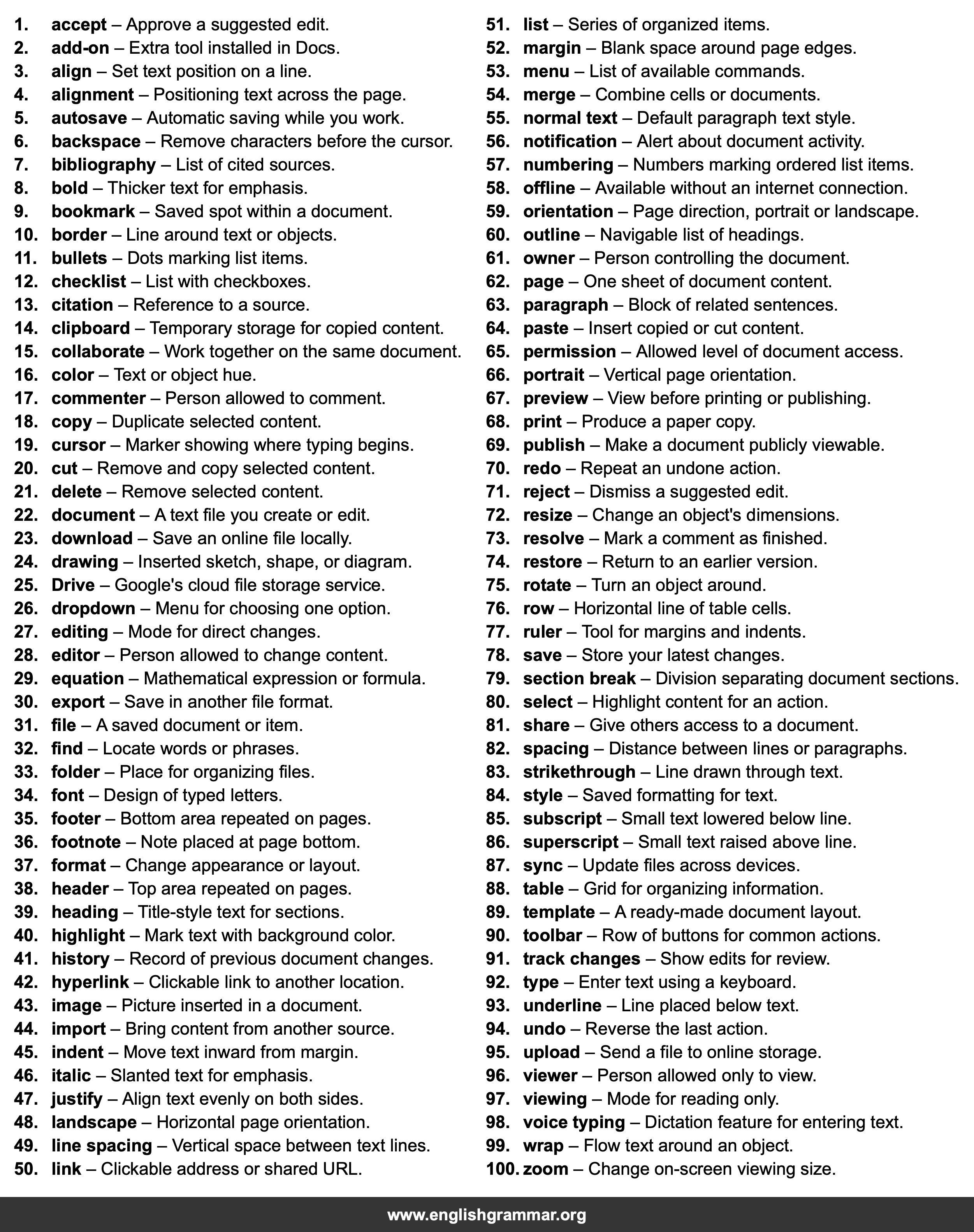
| No. | Item | Definition |
|---|---|---|
| 1. | accept | Approve a suggested edit. |
| 2. | add-on | Extra tool installed in Docs. |
| 3. | align | Set text position on a line. |
| 4. | alignment | Positioning text across the page. |
| 5. | autosave | Automatic saving while you work. |
| 6. | backspace | Remove characters before the cursor. |
| 7. | bibliography | List of cited sources. |
| 8. | bold | Thicker text for emphasis. |
| 9. | bookmark | Saved spot within a document. |
| 10. | border | Line around text or objects. |
| 11. | bullets | Dots marking list items. |
| 12. | checklist | List with checkboxes. |
| 13. | citation | Reference to a source. |
| 14. | clipboard | Temporary storage for copied content. |
| 15. | collaborate | Work together on the same document. |
| 16. | color | Text or object hue. |
| 17. | commenter | Person allowed to comment. |
| 18. | copy | Duplicate selected content. |
| 19. | cursor | Marker showing where typing begins. |
| 20. | cut | Remove and copy selected content. |
| 21. | delete | Remove selected content. |
| 22. | document | A text file you create or edit. |
| 23. | download | Save an online file locally. |
| 24. | drawing | Inserted sketch, shape, or diagram. |
| 25. | Drive | Google’s cloud file storage service. |
| 26. | dropdown | Menu for choosing one option. |
| 27. | editing | Mode for direct changes. |
| 28. | editor | Person allowed to change content. |
| 29. | equation | Mathematical expression or formula. |
| 30. | export | Save in another file format. |
| 31. | file | A saved document or item. |
| 32. | find | Locate words or phrases. |
| 33. | folder | Place for organizing files. |
| 34. | font | Design of typed letters. |
| 35. | footer | Bottom area repeated on pages. |
| 36. | footnote | Note placed at page bottom. |
| 37. | format | Change appearance or layout. |
| 38. | header | Top area repeated on pages. |
| 39. | heading | Title-style text for sections. |
| 40. | highlight | Mark text with background color. |
| 41. | history | Record of previous document changes. |
| 42. | hyperlink | Clickable link to another location. |
| 43. | image | Picture inserted in a document. |
| 44. | import | Bring content from another source. |
| 45. | indent | Move text inward from margin. |
| 46. | italic | Slanted text for emphasis. |
| 47. | justify | Align text evenly on both sides. |
| 48. | landscape | Horizontal page orientation. |
| 49. | line spacing | Vertical space between text lines. |
| 50. | link | Clickable address or shared URL. |
| 51. | list | Series of organized items. |
| 52. | margin | Blank space around page edges. |
| 53. | menu | List of available commands. |
| 54. | merge | Combine cells or documents. |
| 55. | normal text | Default paragraph text style. |
| 56. | notification | Alert about document activity. |
| 57. | numbering | Numbers marking ordered list items. |
| 58. | offline | Available without an internet connection. |
| 59. | orientation | Page direction, portrait or landscape. |
| 60. | outline | Navigable list of headings. |
| 61. | owner | Person controlling the document. |
| 62. | page | One sheet of document content. |
| 63. | paragraph | Block of related sentences. |
| 64. | paste | Insert copied or cut content. |
| 65. | permission | Allowed level of document access. |
| 66. | portrait | Vertical page orientation. |
| 67. | preview | View before printing or publishing. |
| 68. | Produce a paper copy. | |
| 69. | publish | Make a document publicly viewable. |
| 70. | redo | Repeat an undone action. |
| 71. | reject | Dismiss a suggested edit. |
| 72. | resize | Change an object’s dimensions. |
| 73. | resolve | Mark a comment as finished. |
| 74. | restore | Return to an earlier version. |
| 75. | rotate | Turn an object around. |
| 76. | row | Horizontal line of table cells. |
| 77. | ruler | Tool for margins and indents. |
| 78. | save | Store your latest changes. |
| 79. | section break | Division separating document sections. |
| 80. | select | Highlight content for an action. |
| 81. | share | Give others access to a document. |
| 82. | spacing | Distance between lines or paragraphs. |
| 83. | strikethrough | Line drawn through text. |
| 84. | style | Saved formatting for text. |
| 85. | subscript | Small text lowered below line. |
| 86. | superscript | Small text raised above line. |
| 87. | sync | Update files across devices. |
| 88. | table | Grid for organizing information. |
| 89. | template | A ready-made document layout. |
| 90. | toolbar | Row of buttons for common actions. |
| 91. | track changes | Show edits for review. |
| 92. | type | Enter text using a keyboard. |
| 93. | underline | Line placed below text. |
| 94. | undo | Reverse the last action. |
| 95. | upload | Send a file to online storage. |
| 96. | viewer | Person allowed only to view. |
| 97. | viewing | Mode for reading only. |
| 98. | voice typing | Dictation feature for entering text. |
| 99. | wrap | Flow text around an object. |
| 100. | zoom | Change on-screen viewing size. |